Pro plan
Supplier dashboard
Shop-in-shop: suppliers see sales, top products and peak hours via their own link.
If you sell suppliers’ goods shop-in-shop, the dashboard works out their share of sales – per supplier, with margin, deposit and VAT. You email the statements and upload the transfers to your e-banking as a payment file.
Payout = sales incl. VAT minus margin, per product, rounded to the centime. Deposit is shown separately and added on top.
Each supplier gets a statement as PDF and Excel, split by VAT rate – including notional input tax for primary producers, depending on the tax bracket.
The payment file (pain.001) contains one transfer per supplier. Upload it, check it and approve it.
A payout goes through three statuses: Draft, Finalized and Processed.
Last month, a quarter, a year or any date range. The calculation covers successful sales of all suppliers with payouts enabled.
Assign products without a supplier, adjust margins for this payout and set the payment due date.
The figures are now locked. The payment file and the email dispatch become available.
Upload the payment file to your e-banking, send the statements and use “Mark as Processed”.
These images come straight from the Cloud Dashboard, with test data.
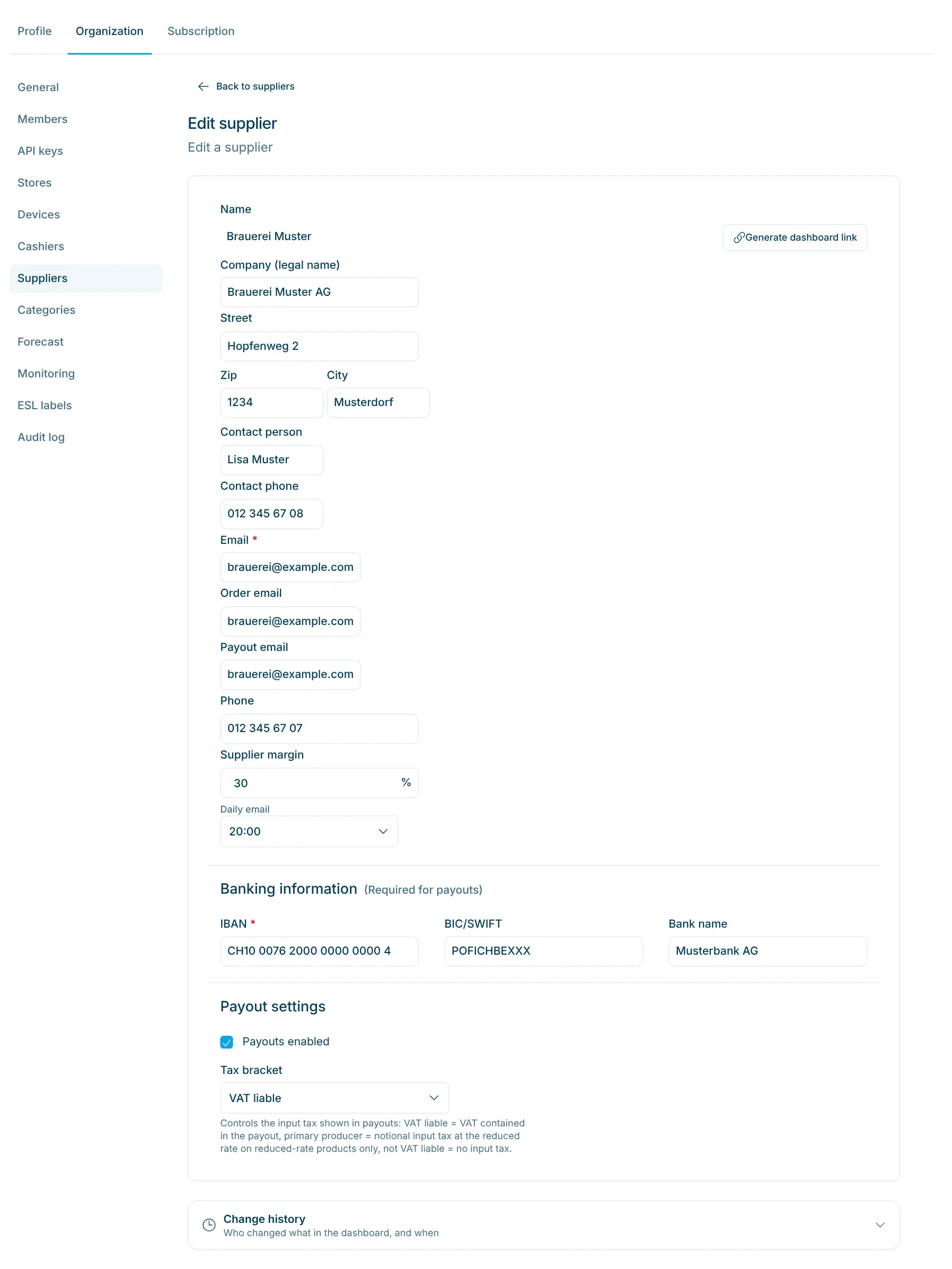
Prepare the supplier
Enter the supplier’s IBAN, supplier margin and tax bracket, then tick “Payouts enabled”. Without an email address and IBAN, the option cannot be turned on.
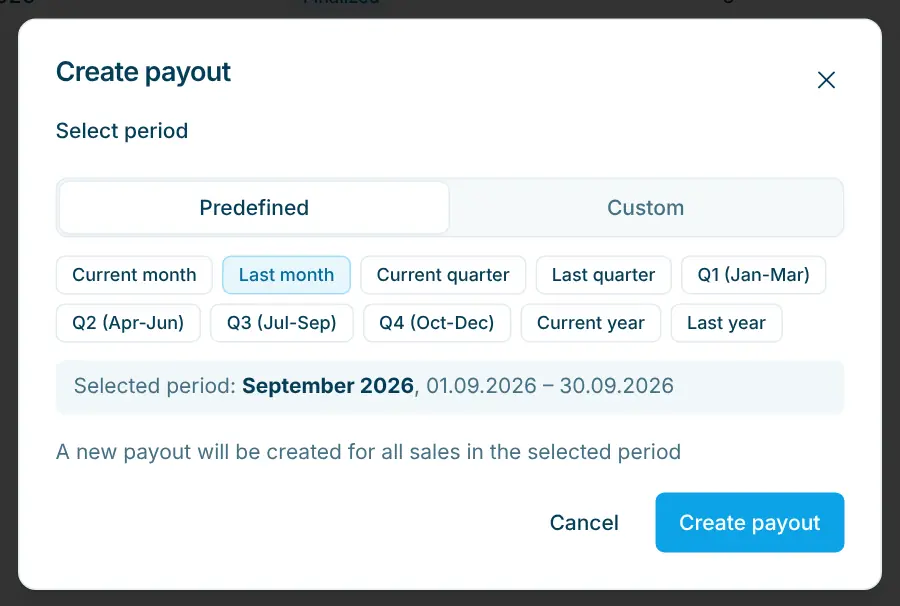
Choose a period
Predefined, such as “Last month” or a quarter, or custom from–to. The payout is saved as a draft.
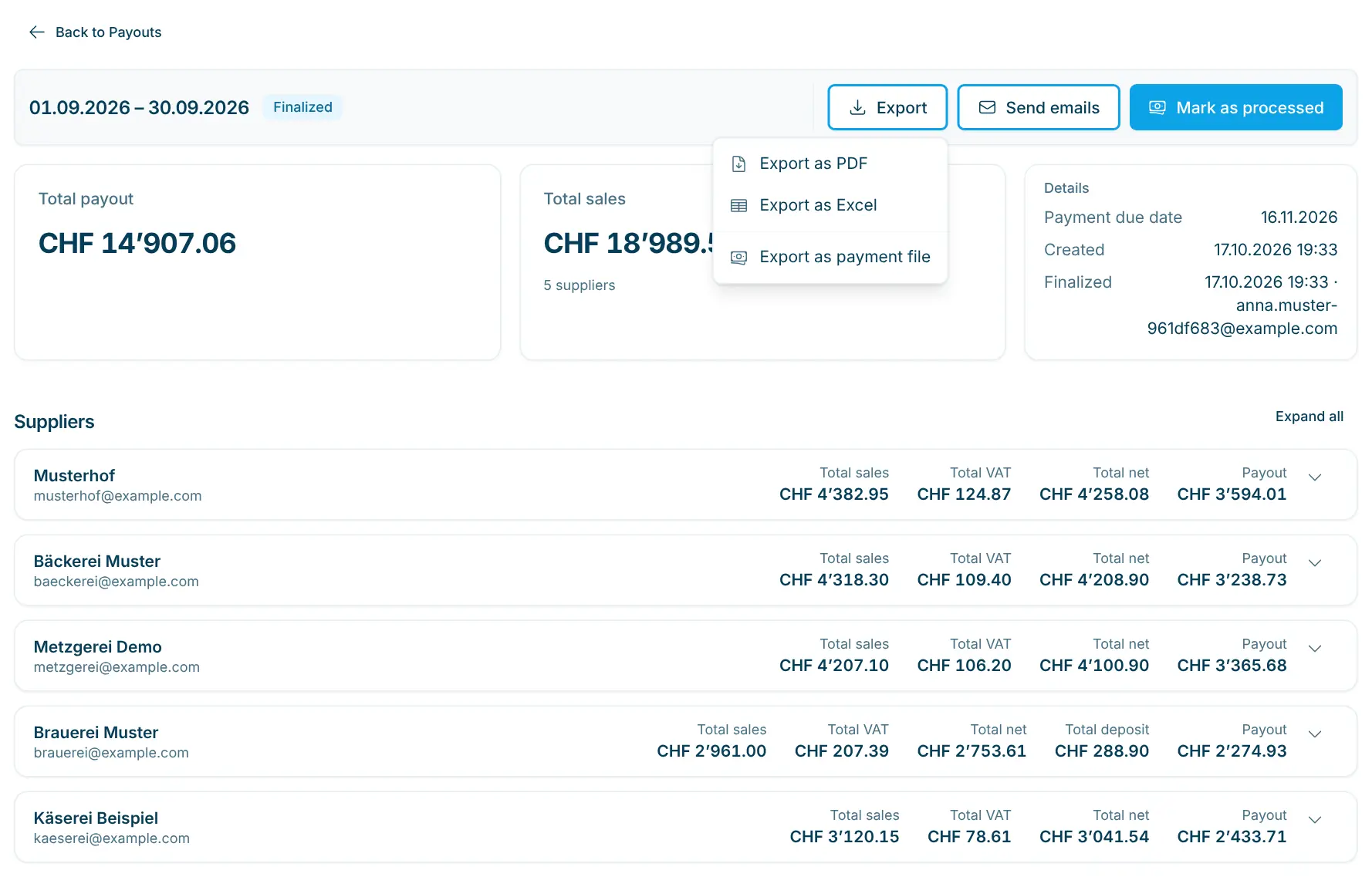
Export
“Export as PDF” and “Export as Excel” already work on a draft. “Export as Payment File” is available once the payout is finalized.
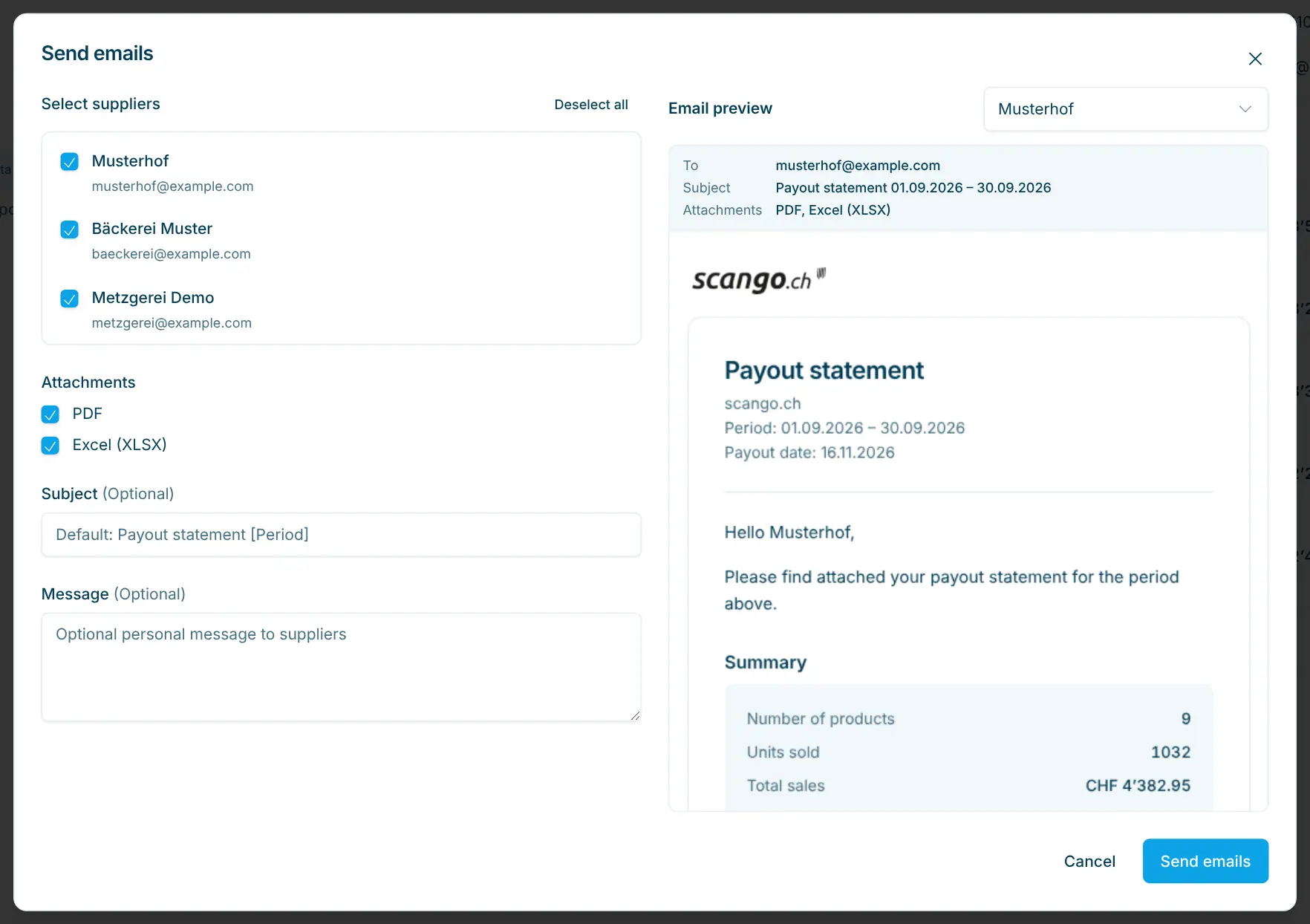
Send statements
Select suppliers, attach PDF and/or Excel, adjust subject and message. The preview shows every email before it goes out.
For stores where several producers sell on their own account: village shops with regional producers, specialty stores with goods from the region or shop-in-shop spaces. A payout only counts the products of participating suppliers; the financial reports for accounting stay separate. With the supplier dashboard, your suppliers also see their sales between two payouts.
Pro plan
Shop-in-shop: suppliers see sales, top products and peak hours via their own link.
Retail plan
Revenue, margin and VAT by product, store, supplier and payment – including CSV.
Retail plan
Period reports for accounting – VAT, store and payment as PDF, Excel or CSV.
Retail plan
One catalogue, multiple locations – visibility, stock and sales per store.
All successful orders in the chosen period, products only. Gift cards and discount codes are not included; discounts from discount codes are not deducted from sales.
The product’s margin. If there is none, the supplier margin applies, otherwise 0%. In a draft you can change margins for that one payout only.
According to the supplier’s tax bracket: VAT liable with the VAT included, primary producer with notional input tax on reduced-rate products, not VAT liable entirely at 0%.
No. You upload the payment file to your e-banking, check the payments there and approve them yourself.
No. On a finalized payout you click “Send emails” and choose the recipients. Suppliers who already received an email are marked with a tick.
Financial reports in the Retail plan summarise sales and VAT for accounting. Payouts in the Pro plan calculate what you transfer to your suppliers.

Happy to help. Sign up for free to get a first impression – or request a non-binding quote. I’m here if you have questions.
Tobias Kobelt · scango.ch